- Blog
- Technical
Small business, big target? Cybersecurity in plain language
Why small businesses are in the picture too, why most attacks start with a person, and what you can do about it. Plus what we check and set up on your website, explained in plain language.
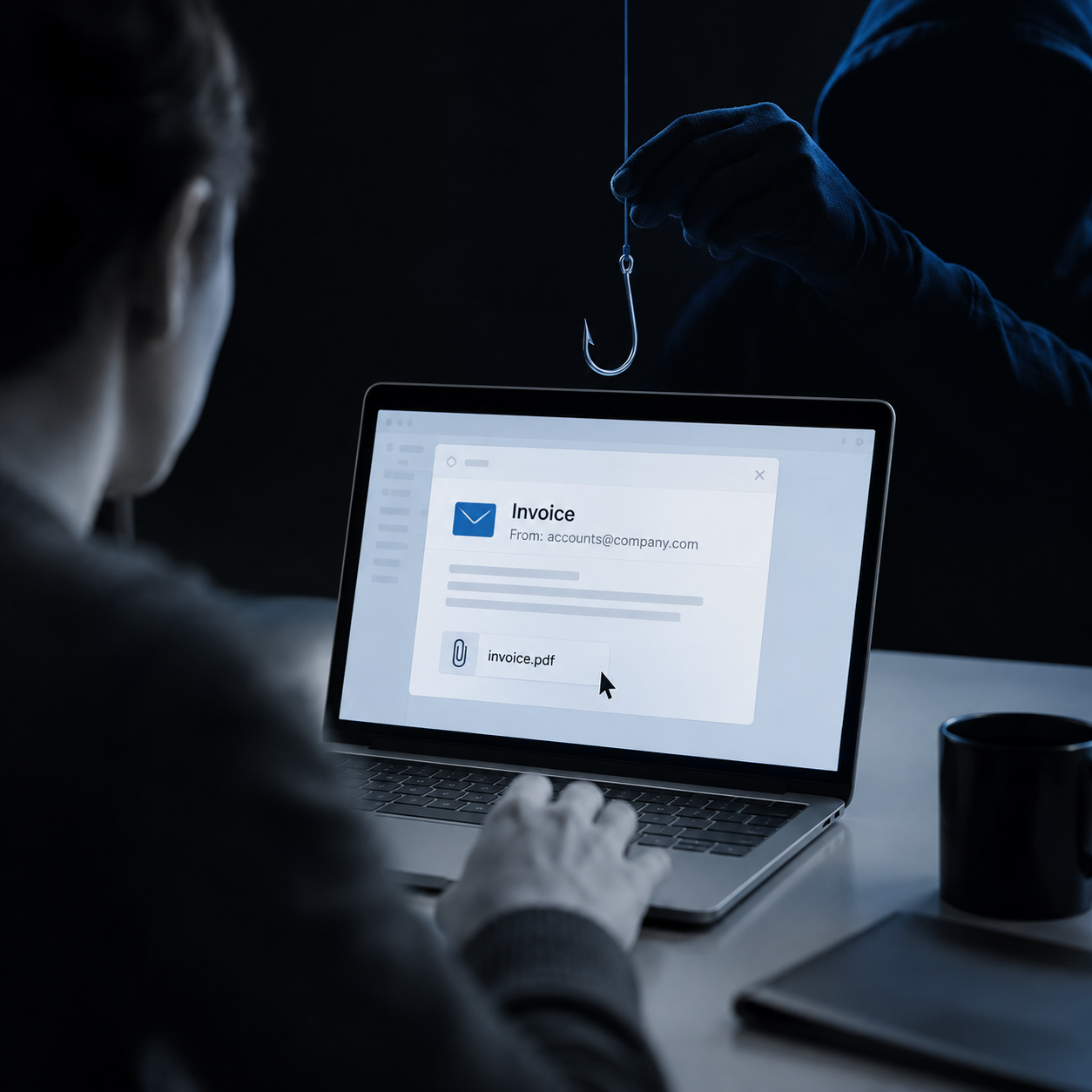
Most people picture a cyberattack as hackers in hoodies breaking into a bank. Reality is more mundane. It is an email that looks like an invoice. A password used on five different sites. A message 'from the boss' asking for an urgent payment.
The weak point is rarely the software. It is usually a Tuesday afternoon and someone in a hurry.
Why small businesses are in the picture too
Criminals scan the internet automatically. They don't care how big you are, only how easy you are to get into. A small business with a forgotten admin page, a reused password or an outdated plugin is as interesting as a big one, and sometimes a stepping stone to a bigger partner.
Cyberattacks keep making the news, and that is a good reason to look at your own situation calmly, not with panic.
Most attacks start with a person
Industry reports consistently find a human element in most breaches. In daily life that looks like this:
- A convincing email that asks you to log in, pay or open an attachment.
- A password used everywhere, so one leak opens many doors.
- A fake invoice, or a real one with changed bank details.
- Access given by mistake, such as a shared login or a link clicked in a hurry.
Fixing the website alone isn't enough. Protection has to cover both the systems and the people who use them.
AI makes scams look better
Criminals also use AI tools to write emails with no typos, in fluent Dutch, French or English, and some experiment with tools that have fewer safeguards. Voices can be imitated too.
That changes one rule of thumb: looking professional is no longer proof that something is real. What helps is checking through a second channel. A message from the boss asking for an urgent payment is confirmed by a phone call to a number you already know.
Six habits that help this week
- Use a password manager and a unique password for every account.
- Turn on two-step login (MFA), especially for email and for admin accounts.
- Check every change of bank details by phone, using a number you already have.
- Make it easy to report suspicious mail, and never blame the person who clicked.
- Keep software up to date, including plugins and the system behind your website.
- Have a backup that has been tested, not only one that exists.
What we do for your website, in plain words
We look at the part of security we can influence: your website and the systems behind it.
- Forms that resist abuse. Input is checked on the server, the number of requests is limited and bot protection stops automated spam and attacks.
- A check of what is exposed. We look at databases, API access rules, admin pages and dashboards, and make sure important accounts use two-step login.
- A firewall that is set up properly. We put a protective layer in front of your site (Cloudflare) and tune its rules, instead of leaving defaults on.
- Updates and alerts. We monitor the building blocks of your site and warn you when one has a known weak spot.
- Backups we actually test. We check the backups your provider makes, keep independent copies and test restoring them on a regular basis.
- A monthly report in plain language, built from the data of the tools we use, so you can see what happened and what we did.
An honest note: nobody can promise zero risk. The goal is to make you a harder target, to notice problems sooner and to recover quickly when something goes wrong.
If something does go wrong
- Stay calm and stop the damage. Disconnect the affected device, change passwords and tell your colleagues.
- Call your bank straight away if money or payment details are involved.
- Report suspicious emails to suspect@safeonweb.be, the address of the Belgian Centre for Cybersecurity (check safeonweb.be for the current instructions).
- Think about personal data. If customer data may be affected, you may have to notify the Data Protection Authority within 72 hours. Ask your adviser.
How exposed is your website?
We are happy to look at your website with you and explain what we find in plain language.
Comments
No comments yet. Be the first to share your thoughts.